Digital Banking Support Contact number 24/7:
Have you experienced any of the following?
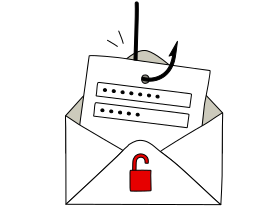
Unusual e-mail
Have you recently received an email asking you to:
Have you recently received an email asking you to:
- log in to E-Banking?
- provide your card details?
- download an attachment?
- click a link and enter sensitive data such as your contract number, access card codes or other personal information?
Unusual notifications
Have you recently been notified or texted about any of the following:
Have you recently been notified or texted about any of the following:
- your security settings have been modified, although you didn’t make any changes?
- You logged into E-Banking from a new country or from a new device (new browser), although you didn’t use E-Banking on the date in question?
- you were notified that the QR code you scanned with your Access App is not valid?
If you frequently receive a warning about logging in from a new device when accessing E-Banking, you may need to disable services that hide your IP address, such as iCloud Private Relay or VPN services. Learn how to disable these features.
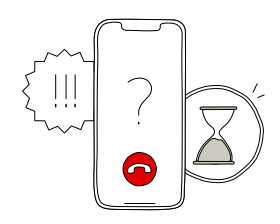
Unusual phone call
Has someone called you and asked you to:
Has someone called you and asked you to:
- log in to E-Banking?
- provide your contact number?
- download remote access software?
Tips on how to protect yourself against fraud




Was this page helpful?
Please enable javascript in your browser and retry.
The feedback component cannot be displayed.