UBS Mobile Banking
Your finances while on the go
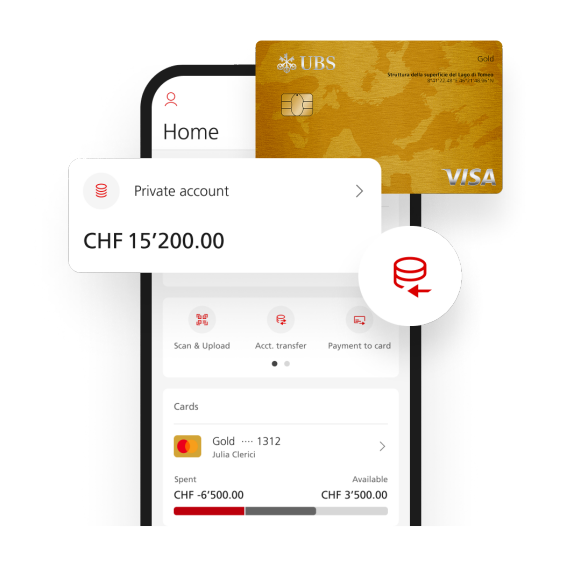
With the UBS Mobile Banking app you can receive information about your finances quickly and easily. You always have access to
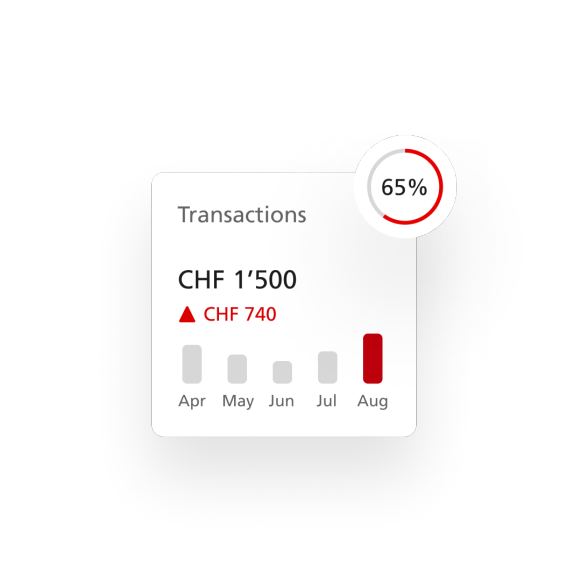
- account balances and transactions
- custody accounts and portfolios - including detailed positions
- stock exchange and securities transactions carried out
- current transactions on your UBS credit or prepaid card as well as the amount still available
- the last card statement
In addition, payment slip data can be scanned and transmitted to UBS e-banking, where payments can be executed very easily (only for clients domiciled in Switzerland).
Find out more about UBS Mobile Banking in the online presentation.
UBS Mobile Services are available to all clients domiciled in one of the following countries:
To use UBS Mobile Banking, you need to have access to UBS e-banking in Switzerland as well as
- an iPhone 3GS/4 with iOS 4 or higher or
- a mobile phone with Android OS Version 2.1 or higher
The scanning of payment slips (only for clients domiciled in Switzerland) is optimized for
- iPhone 4 with iOS 4 or higher
- mobile phones with Android OS Version 2.2 or higher
If you would like to get information about your private credit or prepaid cards, you must register in UBS e-banking in the "Cards" section for Cards Online.
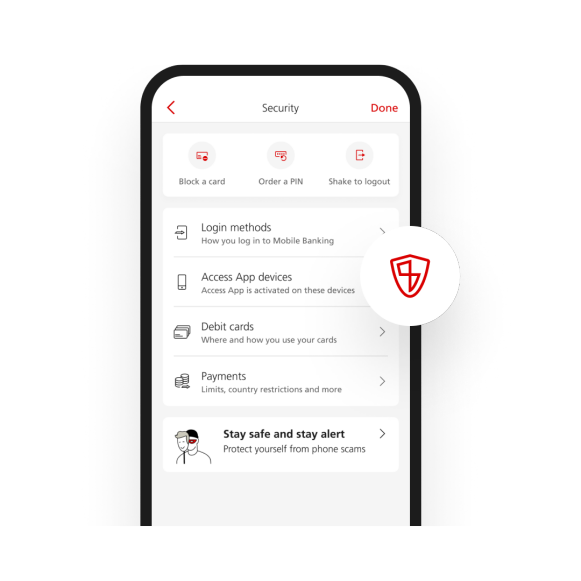
UBS Mobile Banking automatically encrypts the transmission of all displayed data. The data is also anonymized. Therefore, no account or card numbers or names will be displayed.
UBS Mobile Banking is set up and activated in UBS e-banking under "Settings > Mobile Services > Mobile Banking". You cannot use the "UBS Mobile Banking"app if it is not installed in advance.
The following instructions show you how to proceed, step by step, and what you have to pay attention to:
Install the "UBS Mobile Banking" app on your mobile phone and launch it.
Enter your contract number and the corresponding password that you specified when setting up and activating it in UBS e-banking (not the UBS Access Card PIN).
Important:
The password must contain both numbers and letters. Perhaps you have already used it when registering for UBS Quotes. If you have forgotten your password or the password consists of only numbers or only letters, please sign into UBS e-banking on your computer and set a new password at "Security > Set password".
Note for corporate and institutional banking clients:
If you have an individual power of disposal for UBS e-banking, you can directly activate UBS Mobile Services. Otherwise, before activating you will have to apply for the corresponding access authorization from your UBS advisor. Information on credit cards is only available to private clients.
With the UBS Mobile Banking app you can scan orange or red payment slips and transmit the data to UBS e-banking in order to make payments there more easily (see prerequisites above).
A brief summary of how to proceed:
- In the UBS Mobile Banking app's menu, select the entry "Payments" and then "Scan new payment slip".
- Scan the payment slips by taking a photo of the barcode on the payment slip with the camera of your mobile phone.
- Send the scanned data to UBS e-banking via "Transmit all".
- Sign in to UBS e-banking and carry out the scanned payment orders.
The following instructions show you how to proceed, step by step, and what you have to pay attention to:
UBS KeyClub
Thanks to the practical UBS KeyClub iPhone app you are kept informed about all current KeyClub offers, even when you are on the go.
UBS Locator
Are you out and about and looking for the next UBS branch? Do you need location information, addresses or contact information for your UBS branch? With the push of a button, the UBS Locator iPhone app displays for you all UBS branches worldwide and serves as a fast and reliable guide to the nearest UBS client advisor.
Prices and Earnings
The iPhone app is based on the printed edition of Prices and Earnings, a study published every three years since 1970 directed toward global business clients, internationally oriented private clients and anyone interested in comparing prices and salaries/wages.
Products and services in these webpages may not be available for residents of certain nations. Please consult the sales restrictions relating to the service in question for further information.
© UBS 1998-2013. All rights reserved.